 Shortlist
Where a row shows
Which Plex screens a row appears on, where it sits on the Recommended shelf next to other collections, and its poster, description and sort title.
Each person’s row is their own Plex collection, so where it shows is set per row: the Home screen, the library’s Recommended shelf, both, or neither.
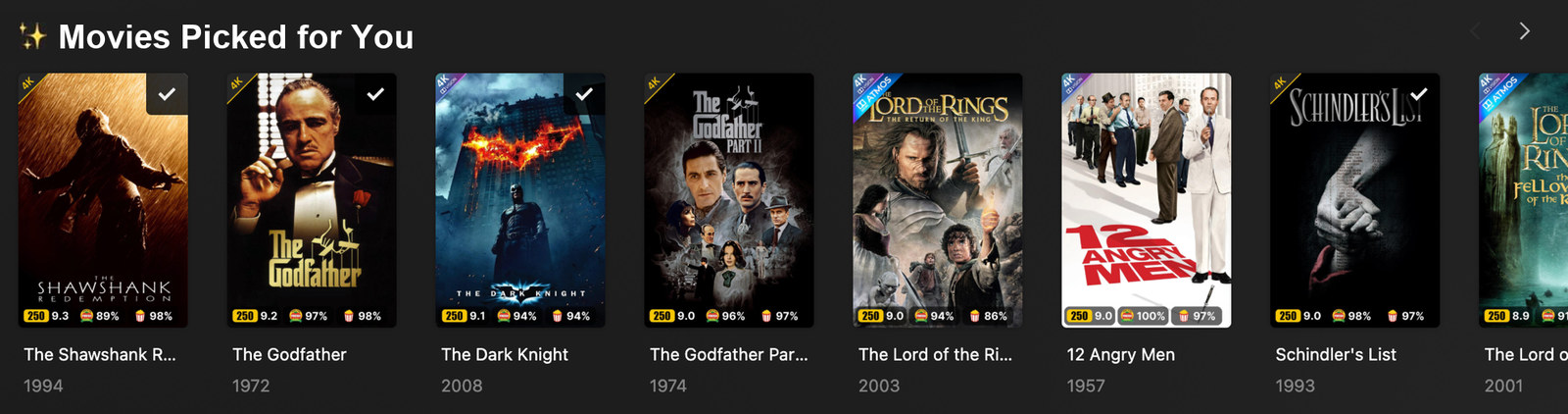
Where a row shows
The Row editor → Where it shows grid picks which Plex screens a row appears on. Two surfaces, two audiences, and every one of the four switches is independent:
| You | Everyone else | |
|---|---|---|
| Recommended shelf | ☑ | ☑ |
| Home screen | ☑ | ☑ |
The columns are real, not cosmetic: every person gets their own Plex collection, so each switch is set on a different collection. You is your own row, and Plex’s Home shelf applies to the server owner alone. Everyone else covers the people you’ve shared with plus Plex Home members, whom Plex groups together under Shared Users’ Home. Each of them only ever sees their own row; everyone else’s is excluded from their share filter.
Turn all four off and the row still gets built and kept private; it claims no Recommended slot, and
you’ll find it under the library’s Collections tab. One caveat: on a run where Shortlist can’t
match an existing collection back to its row (a {top_seed} row that produced no picks, say) that
row keeps its own Home flag for that run. It stays off the Recommended shelf, and it is only ever
visible to the person it belongs to.
What this can’t do: hide friends’ rows from your Recommended shelf while leaving them on theirs. Share filters are what hide a row from someone, and you own the server, so there is no share with yourself to attach one to. So with Everyone else → Recommended shelf on, every friend’s row is on your shelf too. Turn it off (leaving Everyone else → Home screen on) and each friend still gets their row on their own Home, while your shelf stays yours. Shortlist shows this warning at the switch itself.
A common setup: You both on, Everyone else Home only. You get your row on your Home and your shelf, everyone else gets theirs on their Home, and nobody’s row clutters anybody else’s view.
Row placement (Recommended shelf)
By default Plex adds new collections at the end of a library’s Recommended shelf, so if another tool (like Kometa) manages collections on the same server, Shortlist’s rows can end up buried at the bottom.
Each row chooses its own spot, per library, in the Row editor under Placement, in Position in the Recommended shelf:
- Top of the shelf — the default, and the one position that always works.
- Right after / before a collection. Pick an existing collection and sit the row next to it. It has to be a collection that is actually showing on one of that library’s shelves — one switched off in Plex’s Manage Recommendations has no position to sit beside, and Shortlist tells you so rather than guessing a spot.
- Right after / before another Shortlist row, so “Because you watched” can follow “Picked for You” wherever that ends up — including when that row is itself anchored to a collection. The other row needs its own position switched on in that library too: Shortlist can only hold two rows together if it is placing both. If it isn’t, this row goes to the top instead, in your Rows order.
- Don’t place this row. Shortlist never positions it, so it stays wherever Plex put it. Be aware that Plex adds new collections at the end of the shelf, so a new row that nothing places starts at the bottom.
Settings → Defaults → Row placement holds one switch, Let Shortlist order the Recommended shelf. Turn it off and Shortlist leaves the order entirely alone. (It used to also hold a per-library default, which was a second place to set the same thing and disagreed with the engine about what its own “Wherever Plex puts them” option meant.)
Since each person only sees their own row, moving rows up lifts everyone’s at once.
Behind the scenes Shortlist re-applies your choice at the end of every run, and checks the shelf first — if it is already right, it writes nothing at all.
When it does have work to do, it rebuilds the whole shelf in one pass, so other tools’ rows are moved too. Their order relative to each other is preserved exactly; they shift only as far as placing your rows among them requires. Nothing else about them is touched — no collection is edited, renamed or promoted, only positions. The reason it works this way is the next section.
Why every move goes to the bottom
Plex stores each row’s shelf position as a decimal number, and “put this row after that one” works by picking the number halfway between two neighbours. Halve a gap fifty times and there is no number left that fits: from then on Plex accepts every move and applies none, for every tool including its own web app, until that library’s positions are spread out again.
Two moves never halve anything. “To the very top” takes a number below the lowest, and “after whichever row is currently last” takes one above the highest. The top one is not usable, because a library’s built-in row — “Recently Added” — can hold the lowest number and refuses to be moved, so everything sent above it lands on its number instead. One rebuild done that way collapsed 72 rows onto a single value.
So Shortlist builds the arrangement from the bottom: it walks your wanted order and sends each row to the end of the shelf in turn. The shelf finishes in exactly that order with the numbers spread 1000 apart, which means the pass repairs a library whose numbers have collapsed rather than wearing it down further.
The trade-off is that it repositions every row on that shelf, not only Shortlist’s. Their order relative to each other is preserved exactly — the only thing that changes is where Shortlist’s rows sit among them — and it is the only way to honour “put my row after that collection” without the halving insert. Rows that are on no shelf at all are left alone.
If you also run Agregarr
Agregarr arranges the same shelf, and it re-applies its own stored order roughly every 30 minutes. Shortlist applies yours once, at the end of the nightly run, and does nothing at all if the shelf is already right. So Agregarr wins on volume: what you see during the day is Agregarr’s layout.
There are two ways to settle it, and both are configuration rather than something Shortlist can do for you:
- Exclude Shortlist’s rows in Agregarr, or stop its “Randomize Home Order” job, so it stops
moving collections labelled
shortlist_*. - Turn off “Let Shortlist order the Recommended shelf” so Shortlist never touches the order and Agregarr owns it outright.
Either way your rows are still built, delivered and kept private — only their position on the shelf is affected. Shortlist tells you when this is happening: three passes moving the same row in a day raises the “Something else is reordering your shelf” notification.
Check which Agregarr you are running
The original at agregarr/agregarr is no longer actively released, and it has a bug that matters
more than the ordering one: when it reorders a shelf it re-promotes every collection with Plex’s
defaults, which puts them on the server owner’s Home — your Home, the one place no share filter
can hide a row, because the owner account has no share filter.
Shortlist clears that flag on every run, so it is a gap between runs rather than something permanent — but the gap is as long as the time between your runs.
The maintained fork at bitr8/agregarr-dev (Docker image
bitr8/agregarr) fixes it at the source. It is a drop-in swap — same config, same database. It
still reorders the shelf, so the two options above still apply.
Row posters
Each row can have its own artwork on Plex. In the Row editor → Name & look → Poster, pick one of:
- Plex default — leave Plex’s own collection artwork alone (the default). Switching a row back to this after it had a custom poster reverts the artwork on Plex on save.
- Upload — upload your own image (a tall 2:3 poster looks best; up to 8 MB). It’s downscaled and stored, then applied to the row’s collection(s) on the next run.
- Text — a clean built-in poster: your Title and Subtitle over a gradient. No AI needed,
works on any setup. Use
{user},{library_name}, and{top_seed}to personalise the text. - AI image — an image generated from your text and Art style, using your AI provider’s image model. This reuses your AI provider’s key, so it’s available when that provider is OpenAI or Google (Anthropic and local servers can’t generate images. Use a Text poster or Upload instead).
Hit Preview to see a sample before saving. Generated images are made once and reused across runs (they refresh when you change the text or style), so posters don’t slow a run down or cost per user. Posters are cosmetic. A poster that can’t be made never blocks a row from building.
Description and sort order
Each row can also set two of its Plex collection’s own fields in the Row editor:
- Description, under Name & look — the summary Plex shows when someone opens the
row. It fills in
{user},{library_name}and{top_seed}the same way the row’s name does, so every person’s copy can say something about them. A{top_seed}description for someone with nothing watched is left empty. The On Plex card beside it shows the name, description and poster filled in for a sample person. - Sort title prefix, under Placement — text put in front of the row’s name to make its Plex sort title, such as
!010_. It decides where the row sorts in the library’s Collections tab (!sorts before letters). It does not move the row on Home or the Recommended shelf; that is Row placement. The prefix always goes in front of the row’s current name, so a renamed row, or one named after{top_seed}, keeps sorting under it.
Both are empty by default, and empty means Shortlist leaves that field on Plex alone. Changes reach Plex the next time the row runs, and replace whatever that field held — including a value another tool set. Clearing a field hands it back to Plex: no description, and a sort title Plex builds from the row’s name. That only happens where Plex still holds the value Shortlist wrote; if someone changed it in Plex or another tool since, it is left alone. A value another tool had before Shortlist set the field is not brought back.
Set each field in one tool only. Agregarr and Kometa can set a collection’s summary and sort title
too, and two tools setting the same field overwrite each other on every sync. If Shortlist sets them,
leave them unset for Shortlist’s rows in the other tool. Agregarr can skip Shortlist’s rows entirely
if you add the shortlist label to its excluded labels.